Introduction
Remote work has become a long-term reality for many professionals, making home office ergonomics more important than ever. Working for extended hours on a laptop without proper support can lead to poor posture, neck strain, and overall discomfort. Over time, these issues can affect both productivity and well-being.
As a result, many remote workers are turning to ergonomic accessories to create a more comfortable and efficient workspace. Among these, laptop stands play a key role in improving posture and reducing strain by positioning the screen at an appropriate height.
Choosing the right stand, however, requires understanding which features truly matter. To help identify the best fit for a mobile or home setup, here is what you should look for:
1. Adjustable Height and Angle
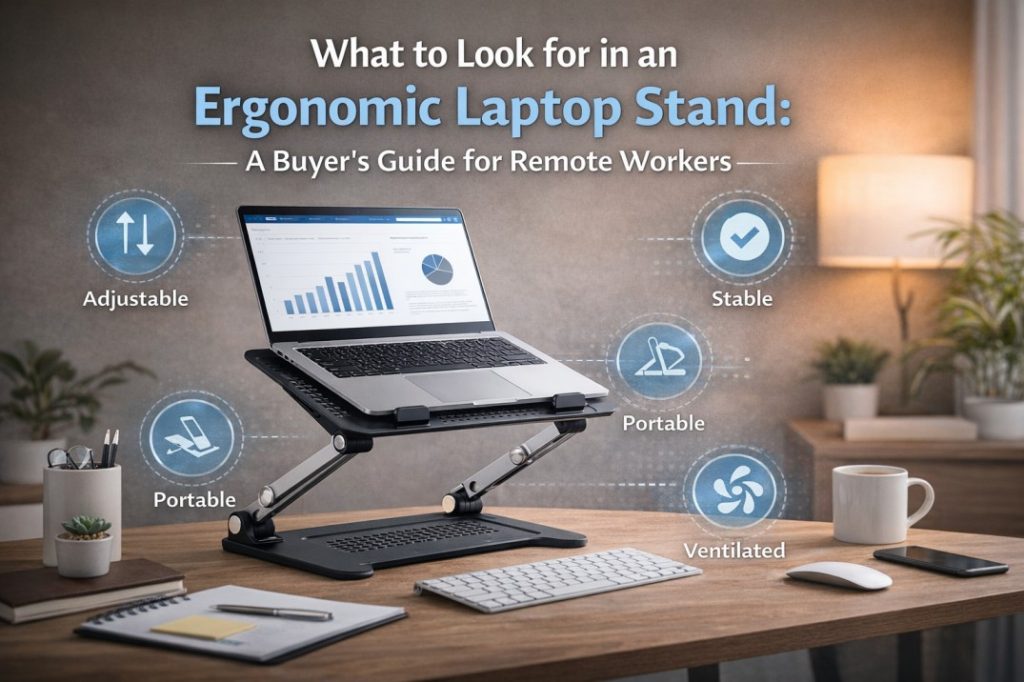
One of the most important features to consider in an ergonomic laptop stand is adjustability. A good stand should allow you to raise your laptop screen to eye level and adjust the angle for better viewing. This helps maintain proper posture by reducing the need to bend your neck downward.
Many remote workers prefer setups that allow flexibility throughout the day, which is why a Goldtouch ergonomic laptop stand is often considered for its ability to support multiple viewing angles and height adjustments that improve posture. These stands are designed to elevate the screen to eye level, helping reduce neck and eye strain during long work sessions.
High-quality brands offer adjustable stands with multiple incline settings, allowing users to fine-tune their setup for comfort.
2. Stability and Build Quality
A laptop stand must provide a stable platform to prevent wobbling or slipping during use. Stability becomes especially important when typing or using external accessories, as an unstable stand can disrupt workflow and create frustration.
High-quality materials, such as aluminum or reinforced composites, are commonly used to enhance durability. These materials not only support heavier laptops but also ensure the stand remains steady during extended use.
Additionally, many ergonomic stands include anti-slip surfaces or secure ledges to keep devices in place. This added support helps protect both the laptop and the user from potential accidents.
3. Portability and Design
For remote workers who frequently change locations or work in different environments, portability is essential. A lightweight, foldable stand makes it easier to carry your setup between home, office, and travel destinations.
Compact designs that fold flat are particularly useful, as they take up minimal space in a bag and can be quickly set up when needed. Some models weigh as little as one pound and are designed specifically for mobility.
This makes them ideal for hybrid workers who need ergonomic support without sacrificing convenience. By choosing a versatile model, professionals can maintain a healthy posture whether they are working from a home office, a corporate desk, or a temporary mobile station.
4. Compatibility With Different Devices
Not all laptop stands are designed to support every device. It is important to choose a stand that accommodates your laptop size, weight, and any additional accessories you use.
Many ergonomic stands are designed to support a wide range of devices, including laptops up to 17 inches, tablets, and even documents. This versatility allows users to create a more flexible and functional workspace.
Choosing a compatible stand ensures that your device is properly supported and positioned for optimal use. This stability prevents unnecessary screen wobble and minimizes the risk of accidental slips, providing a secure foundation for even the most demanding work sessions.
5. Ventilation and Heat Management
Laptops generate heat during extended use, and poor ventilation can lead to overheating and reduced performance. An ergonomic laptop stand should promote airflow by allowing air to circulate around the device.
Open-frame designs or stands with minimal surface contact are particularly effective in improving ventilation. By elevating the laptop, these stands help prevent heat buildup and support better device performance over time.
This feature is especially important for professionals who rely on their laptops for demanding tasks or long working hours.
6. Workspace Organization and Efficiency
An ergonomic laptop stand can also contribute to a more organized workspace. Elevating the laptop frees up desk space underneath, which can be used for accessories such as keyboards, notebooks, or storage items.
This not only improves organization but also creates a cleaner and more efficient work environment. A well-organized workspace can reduce distractions and help improve focus throughout the day.
Additionally, using a stand often encourages the use of external keyboards and mice, which further enhances ergonomic comfort and productivity.
Conclusion
Selecting the right ergonomic laptop stand can make a significant difference in comfort, productivity, and overall well-being for remote workers. Features such as adjustability, stability, portability, and compatibility all contribute to an effective workstation. By investing in a stand that supports proper posture and efficient workspace organization, remote professionals can reduce physical strain and improve their daily work experience. Over time, these small adjustments can lead to better performance, improved focus, and a healthier approach to work.

About Author

Gary Katz
Related Blogs